Overall editorial score
Kindroid- Backyard AI
- 7.8/10
- Kindroid
- 8.4/10
Comparison · Updated 2026-09-26
Offline desktop character control versus an uncensored voice companion — local privacy or phone-friendly presence for USA readers.
Edited by Alex Rivera, Editor · methodology ·
We may earn a commission if you buy through links on this site. Affiliate relationships never change our weighted scores or category rankings — paid placements, if any, are labeled separately.
As of , Backyard AI vs Kindroid: Pick Backyard AI (7.8/10) for local/offline character chat, lorebooks, and desktop privacy. Pick Kindroid (8.4/10) for a persistent uncensored companion, phone-friendly voice calls, and less hardware setup. Kindroid wins the weighted score and voice lane; Backyard wins when keeping the transcript on your own machine matters more than live presence. Candy.ai remains #1 overall at 9.3/10 and Nectar AI #2 at 9.2/10 on the Sep 2026 table — ranks are locked to published weights, not sponsorship.
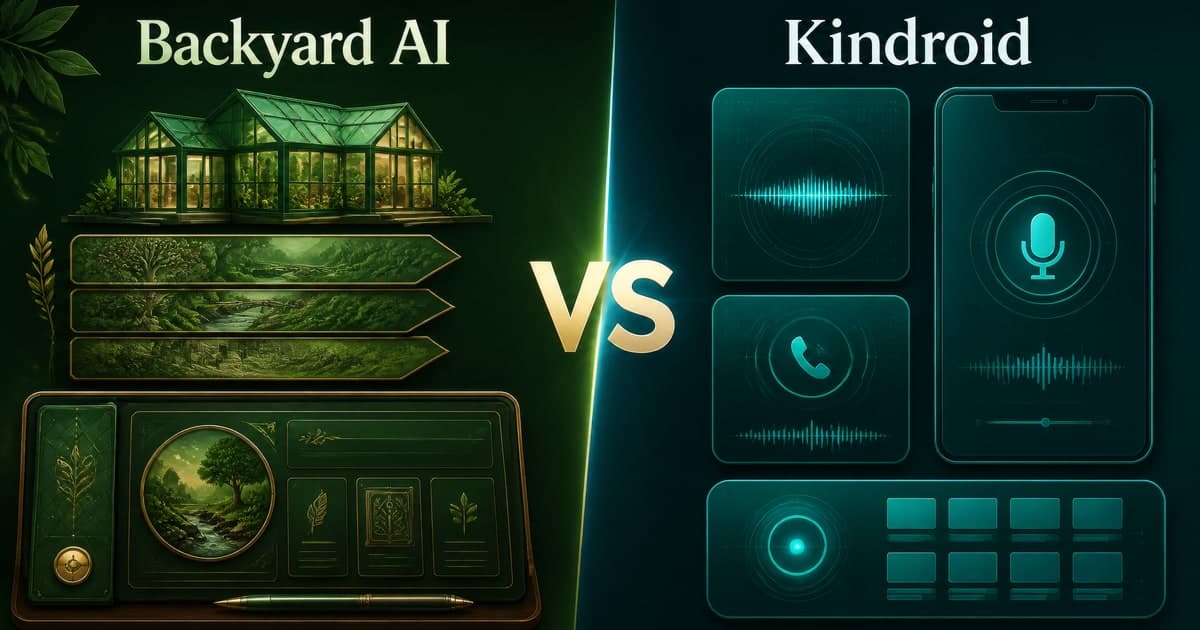
Official vendor sites (plain outbound — confirm live pricing/policies): Backyard AI · Kindroid. Endorsement norms: FTC Endorsement Guides.
Overall weighted score
Kindroid
Kindroid scores 8.4 versus Backyard AI at 7.8.
Offline privacy
Backyard AI
Backyard local mode keeps the workflow on your machine.
Voice calls
Kindroid
Kindroid makes live voice a core companion feature.
Desktop control
Backyard AI
Backyard offers local model and lorebook control.
Ready-to-use setup
Kindroid
Kindroid avoids local model downloads and hardware tuning.
Long-arc persona presence
Kindroid
Kindroid's sticky companion and voice rhythm fit daily use.
Local-first desktop AI companions — offline character chat
Uncensored AI companions with real voice calls
Kindroid scores 8.4 versus Backyard AI at 7.8.
Backyard local mode keeps the workflow on your machine.
Kindroid makes live voice a core companion feature.
Backyard offers local model and lorebook control.
Kindroid avoids local model downloads and hardware tuning.
Kindroid's sticky companion and voice rhythm fit daily use.
Next reads
Backyard AI and Kindroid can both support character-focused conversations, but their daily rhythm is different. Backyard is a local-first desktop workspace where model choice and hardware shape the experience. Kindroid is a cloud companion product where persona setup, persistent context, and voice calls are the draw.
Kindroid's 8.4 leads Backyard's 7.8 because voice, mobile usability, and a ready-to-use companion matter across more everyday scenarios. Backyard is the specialist choice when your first requirement is offline storage. This is a job-specific comparison, not a claim that cloud voice can beat local privacy on its own terms.
Candy.ai still leads overall at 9.3/10; Nectar AI sits at 9.2/10; OurDream stays around 8.7. Stay here when offline desktop control versus sticky uncensored calls is the USA shortlist. Leave for HammerAI vs Backyard AI if two local/desktop apps are the duel, HammerAI vs Kindroid for local tools versus calls, or Candy.ai vs Kindroid when guided selfies re-enter.
Choose Backyard when an offline story arc on your PC or Mac is more valuable than calling a companion from your phone. A mid-size local model held lorebook details through a 40-turn scene without cloud round-trips in our retest. Generation speed followed GPU capacity, so expect setup and waiting rather than consumer-app immediacy.
Backyard's voice and mobile scores trail Kindroid. Cloud Standard and Pro can add hosted models, but cloud fallback means prompts are no longer local. Size the model to your hardware, keep backups secure, and finish a real offline arc before paying for hosted context.
Week-one: install one mid-size model you can actually run, pin three lorebook facts, finish a 30-turn offline arc, and only then open the cloud plan page. If VRAM forces cloud on night one, treat that as a measured privacy change — not a free upgrade. Full bars: Backyard AI Review. Privacy baseline: AI girlfriend privacy.
Choose Kindroid when a persistent persona you can speak with is the actual goal. Our Wi-Fi voice check-in kept latency usable, and a 45-turn dry-humor scene held tone with fewer filter walls than store-only clones. Kindroid's setup is more technical than Candy.ai, but it is far less technical than downloading and tuning local models. It is our Best voice category pick at 8.4/10.
The honest cost is voice minutes, higher models, and media add-ons. Finish three voice check-ins before Ultra, track minutes, and keep a written cap. Kindroid is cloud processed, so it is not the substitute for an offline vault; use the web policy and privacy checklist before sharing personal context.
Week-one: lock one persona, run two Wi-Fi calls on the phone you carry, then a 25-message text arc — if call presence is what you reopen without a prompt, stay; if you wanted offline files, divert to Backyard. Pair with Kindroid Review and AI girlfriend voice chat.
Backyard gives you control over where the transcript lives when you stay local, plus lorebooks for deliberate recall. Kindroid gives you a stronger presence loop through persona continuity and voice, but vendor processing remains part of the service. Neither is perfect memory, and neither should receive secrets or identifying data (AI girlfriend memory).
Run a three-fact recall test on Backyard with the model you will actually use and on Kindroid after a day away. For Kindroid, test a normal phone call rather than assuming text quality predicts voice quality. For Backyard, test cold starts and GPU load.
Practical five-evening split: two Backyard nights (offline arc + lorebook pin), two Kindroid nights (persona text + one Wi-Fi call), one night writing which default you stopped fighting. If attachment loops worry you, read AI girlfriend safety tips before Ultra or Pro. The AI girlfriend privacy guide applies to both.
Do not buy local hardware and a Kindroid Ultra plan on the same weekend just to hedge. Run Backyard free/local for one offline arc, or run Kindroid monthly for three voice sessions and a text week. Record what actually made you return: privacy, call presence, speed, or story continuity (AI girlfriend pricing traps).
Backyard shifts cost into hardware and electricity; Kindroid shifts it into subscription, model, voice, and media usage. Screenshot live terms, avoid annual billing before a fair test. Kindroid voice+premium often lands ~$15–35; Backyard cloud Standard/Pro bands sit around ~$12 / ~$35 when you leave free — confirm live, we do not invent coupons.
If visual romance is the job, neither is the best replacement for Candy.ai or Nectar AI — open Candy.ai vs Kindroid or Candy.ai vs Nectar AI. Scores follow methodology — commissions never reorder Kindroid 8.4 vs Backyard 7.8.
Choose HammerAI vs Backyard AI for local desktop alternatives, HammerAI vs Kindroid for local tools versus calls, Kindroid vs Nomi.ai for voice versus memory, or Kindroid vs PolyBuzz when mobile catalogue RP re-enters.
Bottom line: Backyard AI (7.8) for offline desktop control and lorebooks. Kindroid (8.4) for persistent uncensored chat and voice calls. Confirm regional rules, run one written month on a single primary device, and keep hardware or voice-minute expectations honest. Affiliate CTAs never reorder locked ranks on the homepage rankings.
Full bars: Backyard AI Review, Kindroid Review, methodology. Locked Candy 9.3 / Nectar 9.2 / OurDream ~8.7 stay editorial. Beginners: AI girlfriend for beginners. Trial on the device you will actually use — see AI girlfriend on mobile.
Deeper buying context beyond this head-to-head — privacy, first-week setup, free tiers, chat continuity, voice, and pricing traps.